
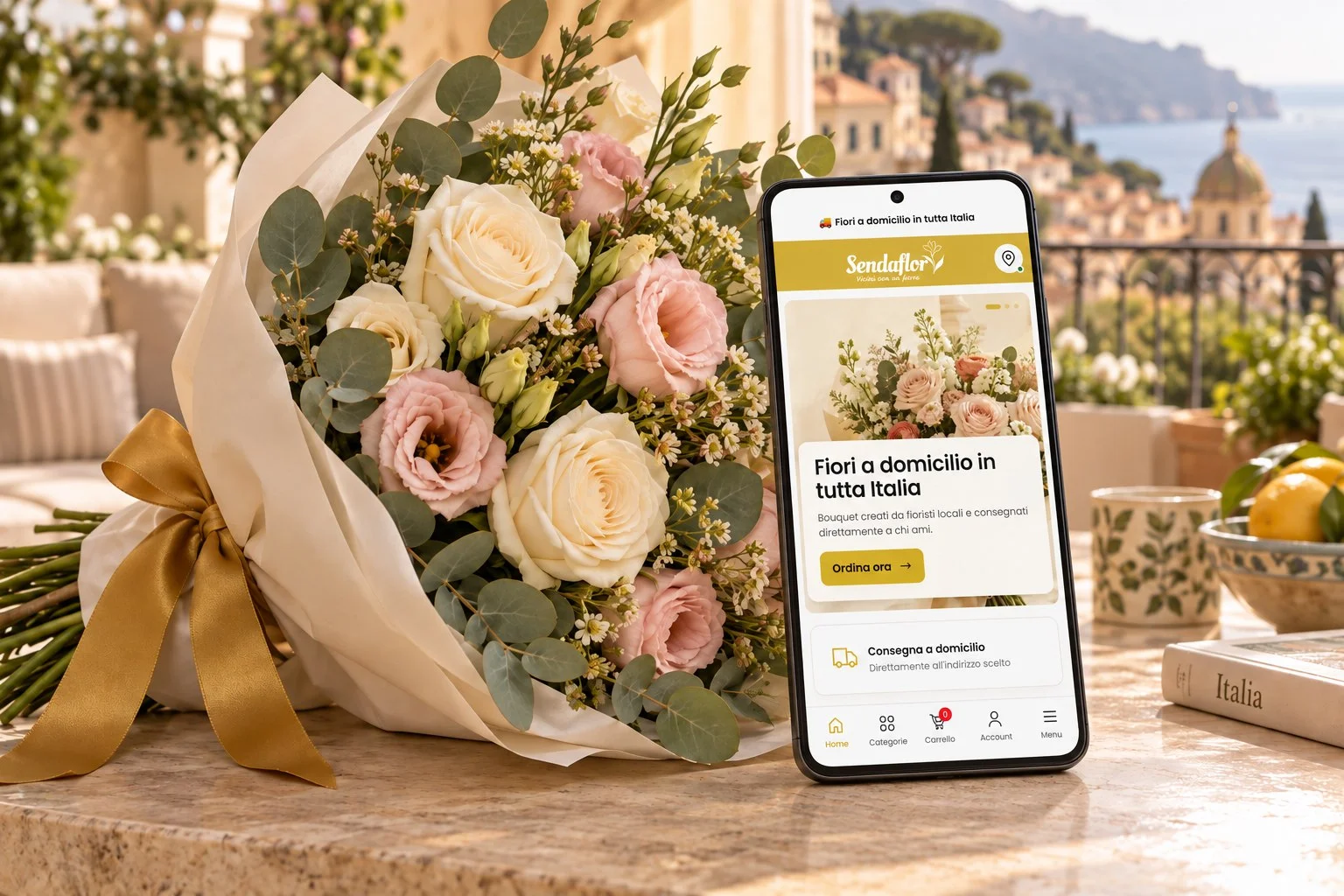
A birthday to remember, a thank-you sent from afar, a surprise for someone you love. There is now another way to choose your gift: the Sendaflor Android app is available on Google Play. Explore our bouquets on your phone, add a personal message and arrange flower delivery to an address in Italy.
Download Sendaflor on Google Play and keep a thoughtful way to stay close to loved ones at your fingertips.
An app for flower delivery across Italy
Sendaflor connects people who want to send flowers with a network of local florists. Choose a bouquet, tell us who it is for and add your message. Your gift is prepared with the care of people who work with flowers every day.
The app gives you a direct way to open Sendaflor from your phone’s home screen, browse the collection and find flowers for the occasion. Whether your recipient lives nearby or far away, you can choose a delivery address in Italy and make your gift personal.
What you can do in the Sendaflor app
- Browse flowers and bouquets: explore the collection and ideas for different occasions.
- Choose the destination: select the location and enter the recipient’s delivery details.
- Write a personal card: add your message and choose whether to sign it.
- Select delivery options: check the dates and options available while placing your order.
- Access your account: view your profile and the orders linked to it.
From birthday flowers to anniversary bouquets, start with the person you want to celebrate and choose a gift that feels right for them.
How to download the app and order flowers
- Open the official Google Play listing on your Android device and install Sendaflor.
- Open the app and choose your flowers from the collection.
- Add your message and the recipient’s details, checking the delivery address and contact number.
- Select an available date, review the order details and total, then complete your purchase.
Product and delivery availability depend on the destination and selected date. If you need same-day flower delivery in Italy, check the options displayed during your purchase: cut-off times and availability can vary. Review the order summary before confirming.
A thoughtful gift when you cannot be there
You cannot always celebrate in person. A bouquet can accompany a birthday call, welcome a new baby or simply let someone know they are on your mind. Keeping Sendaflor on your phone makes it easy to return when a gift idea comes to you, without having to remember the website address.
You choose the flowers on your screen; their preparation remains a hands-on craft. The app brings convenient browsing together with the care that goes into a floral gift, helping you turn a thought into something your recipient can hold.
Frequently asked questions
Is the Sendaflor app available for Android?
Yes. Download the official Sendaflor app from Google Play using the link in this article. The store will show whether it is compatible with your device.
What if I use an iPhone?
This launch is for the Android app on Google Play. On an iPhone, you can continue using Sendaflor in Safari and add the website to your Home Screen. That web experience is separate from the Android app.
Can I still order on the website?
Yes. Choose between the app and the Sendaflor online flower shop in your browser.
Can I send flowers to someone else?
Yes. Enter your recipient’s details and delivery address in Italy during checkout, and add a personal message if you wish.
Bring Sendaflor to your Android phone
Your next gift can start with a tap. Install Sendaflor from Google Play, discover the bouquets and choose the words you want to send with your flowers.